
How to build a LinkedIn outreach sequence that actually gets replies
A LinkedIn sequence that gets replies is short, ICP-specific, and paced under weekly invite caps. 12Pilot runs the steps; you still write the reason to answer.

A sequence is not “eight follow-ups until they block you.” A sequence is a small number of steps that match how LinkedIn actually works: you are usually not connected yet, you have a weekly invite cap, and the first message after accept is the only one most people will read.
Start from the list, not the canvas
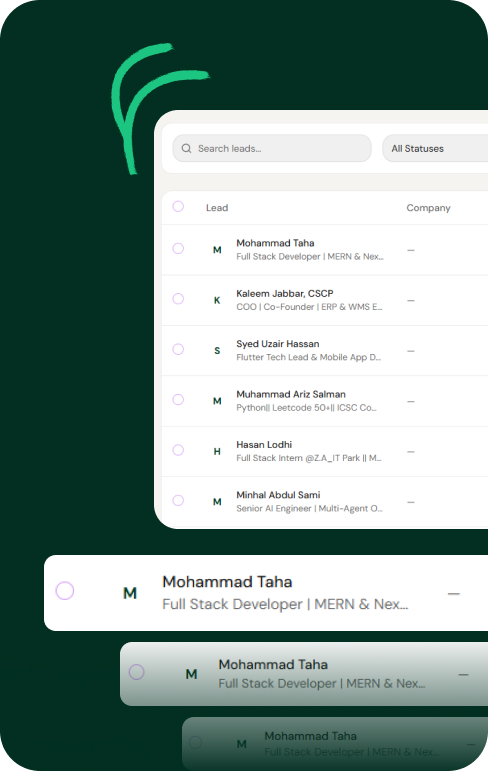
If the list is wrong, the graph does not matter. Build or import an ICP list first — Sales Nav extract, Maps, or an AI Outreach preview you approved. Enroll a few dozen, not the whole TAM.
A sequence that respects LinkedIn
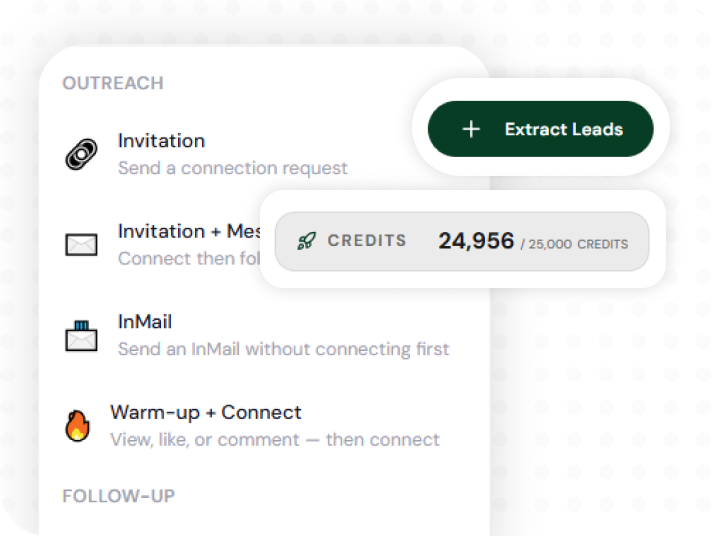
- View profile (optional, small volume). Looks like research, not a mail merge.
- Connection request. On free accounts, skip the note unless the note is specific. A generic “I see we both work in sales” is worse than no note.
- Wait for accept — days, not hours. Branch: if they accept, message. If they ignore, do not nag daily.
- First message after connect. One ask. One sentence of why you. No calendar link dump unless they asked.
- One follow-up a few days later if silence. Then stop. The next touch can be a useful post from Content Hub, not another pitch.
Voice notes exist in 12Pilot for seats that support them. Use them when you would have used them by hand — not as a gimmick on every row.
Copy that gets a reply
- Talk about their situation, not your feature list.
- Ask a question they can answer in one line.
- Reference a real field (title, city, Maps category, a post you actually fetched). If you do not have it, do not fake it.
- Match the language of the workspace profile. Do not mix five tones across one campaign.
Pacing
Two campaigns on one seat share one budget. 20 invites a day across two “aggressive” graphs is still 20. Spread over weekdays. Randomize delays. If acceptance drops under ~20%, pause and fix targeting before you add steps. Full ranges: LinkedIn connection limits in 2026.
When they reply, the thread should appear in Unibox on the right seat. A sequence that “succeeds” into a missed DM is not a sequence.
Build it in 12Pilot
Campaigns are a graph: steps, delays, conditions (accepted vs not). Launch once. The worker and queue execute with the same “no duplicate send on retry” behavior as the rest of the product. If the seat errors or gets blocked, sending stops.
You can draft the graph yourself or let AI Outreach propose 2–3 variants from templates — still your confirm before launch. Either way, replies are the metric, not invites fired.
Open campaigns on 12pilot.net, enroll a tight list, and ship a five-step graph you would be willing to send to someone you respect.
Questions about limits, Unibox, or sending? See the 12Pilot FAQ.