
LinkedIn connection limits in 2026 (free, Premium, Sales Nav)
LinkedIn does not publish one official daily invite number. Use conservative ranges by account type, warm new seats slowly, and let 12Pilot cap sends before LinkedIn does.
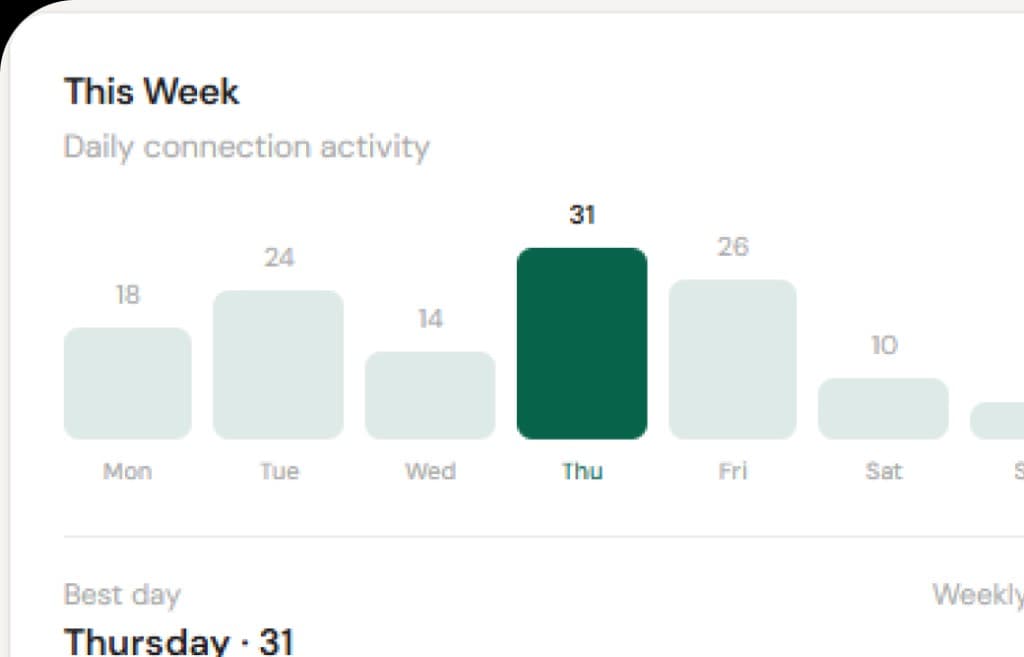
If you are looking for LinkedIn’s single official daily connection limit, you will not find it. LinkedIn changes enforcement by account age, trust, acceptance rate, and whether you attach a note. The useful number is the one that keeps the seat alive next month — not the highest number a tool will let you click.
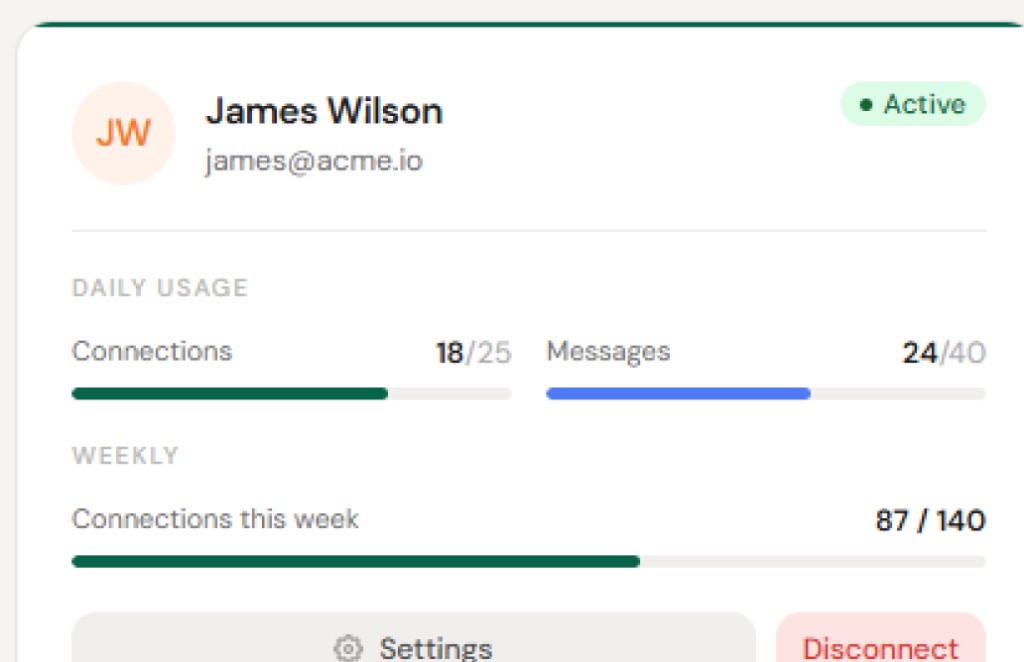
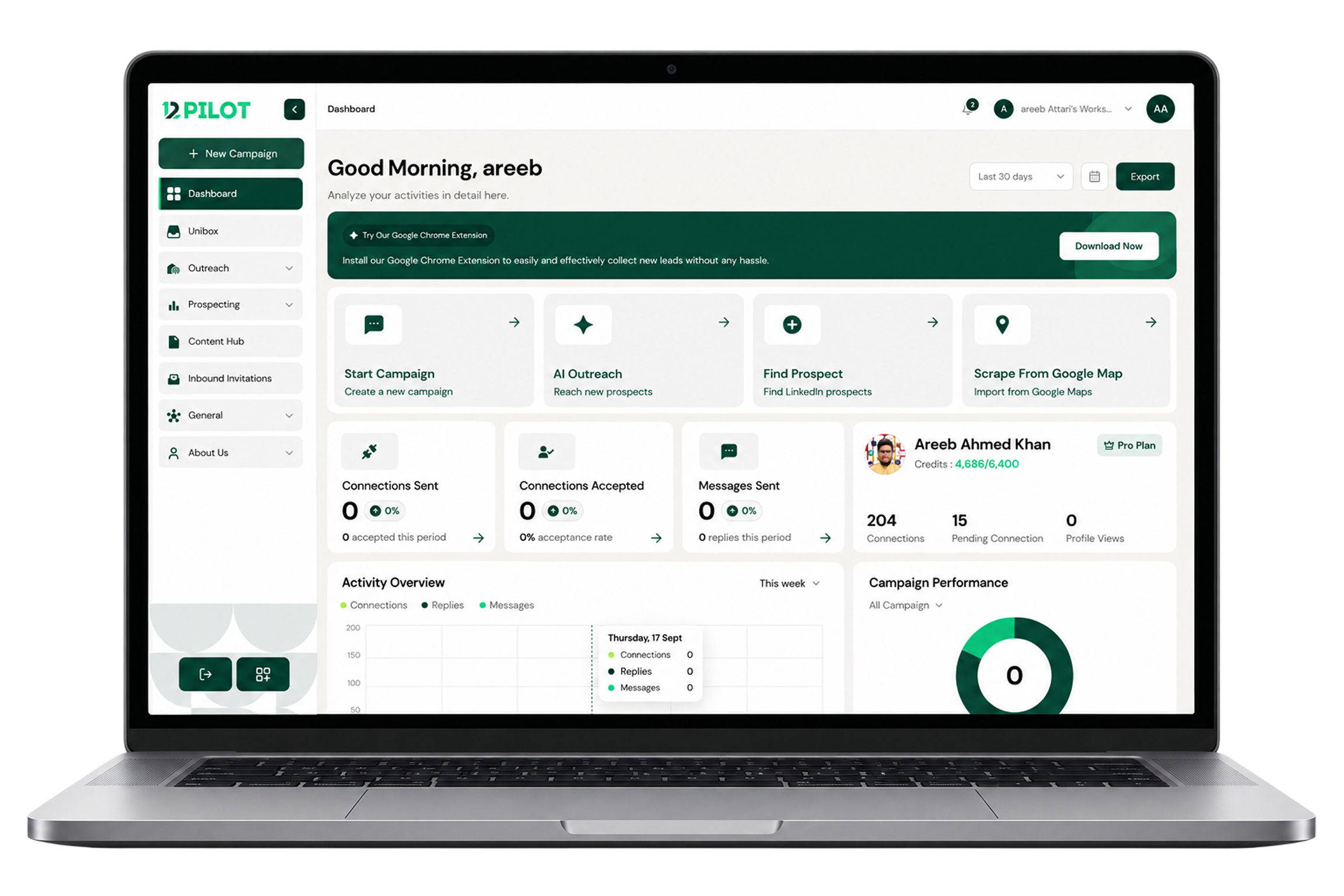
This guide is the range 12Pilot uses when we set sender limits: conservative on purpose. We would rather leave invites on the table than recover a restricted account.
What actually gets capped
Teams mix these up. They are different budgets.
- Connection invitations — pending outgoing requests. LinkedIn also watches how many sit unanswered.
- Connection notes — a note on a free account is far more restricted than an invite with no note.
- Messages to 1st-degree connections — a separate daily budget from invites.
- Profile views — useful as a warm step, still counted.
- InMail — Premium / Sales Nav credit, not a replacement for invites.
Conservative daily ranges we recommend
Treat these as ceilings for a healthy, warmed seat during weekday hours — not a target to hit every day. If acceptance is weak, drop the volume. If the account is new, ignore the “mature” row entirely.
| Account | Daily invites | Weekly invites | Notes |
|---|---|---|---|
| New seat (under ~150 connections, or first 30 days of sending) | 5–10 | 50–100 | No spikes. Same hours each day. |
| Free LinkedIn, established | 5–10 | 100–150 | Invites with a note are much tighter than invites without one. |
| Premium | 15–20 | 100–200 | A 300-character note is not a license to spray. |
| Sales Navigator | 20–30 | 100–200 | Higher trust, still a weekly invite cap in practice. |
The weekly number matters more than the daily number. Burning 80 invites on Monday and zero the rest of the week looks worse than 20 a day, five days a week.
Messages and profile views
- Follow-up messages to people who already accepted: stay well under what the UI will technically allow. 20–40 thoughtful messages on a warmed seat is plenty for most B2B motions. Triple that only if replies stay healthy and the account is old.
- Profile views: tens per day on a standard account is normal sales behavior. Hundreds in an hour is not.
- InMail: spend the credits you paid for. Do not use InMail to dodge an invite restriction — LinkedIn sees both.
What restriction usually looks like
You rarely get a polite dashboard. You get a failed send, a temporary invite freeze, or a warning about automated behavior. Common triggers:
- A sudden jump from 10 invites a day to 80
- 24/7 sending, including 3 a.m. in the account’s timezone
- Identical notes to hundreds of people
- Acceptance under ~20% for a long stretch
- A pile of pending invites you never withdraw
When 12Pilot sees the seat blocked or returning a hard provider error, we stop. A person has to look at the account. That is the product, not a toast you dismiss.
How 12Pilot applies this
Workspace daily caps on LinkedIn accounts are meant to sit below these ranges. Sequences share one budget per seat: if two campaigns run on the same sender, they do not each get a full invite allowance. Spread work across weekdays, keep delays human, and clean stale pending invites so the weekly cap is not full of ghosts.
If you are building the actual sequence after you set limits, read how to build a LinkedIn outreach sequence that gets replies. If the list is still “whoever is in Sales Nav,” start with extracting leads from LinkedIn search instead of raising the cap.
A simple warmup plan
- Week 1: 5 invites/day, no note if you are on free, only people who match the ICP.
- Week 2–3: 8–12/day if acceptances are above ~30%.
- Week 4+: step toward the table above. Never jump a tier in one day.
- If a warning appears: zero outbound for several days, then restart at week 1.
Limits are not a growth hack. They are how you still have a LinkedIn account when the campaign is still running in December. Open 12Pilot and set the seat cap before you enroll the first list.
Questions about limits, Unibox, or sending? See the 12Pilot FAQ.