
← Back to tutorialsGuides  Open 12Pilot
Welcome to 12Pilot — your first 30 minutes
Create your workspace, connect LinkedIn, and know where Dashboard, Unibox, and Campaigns live.
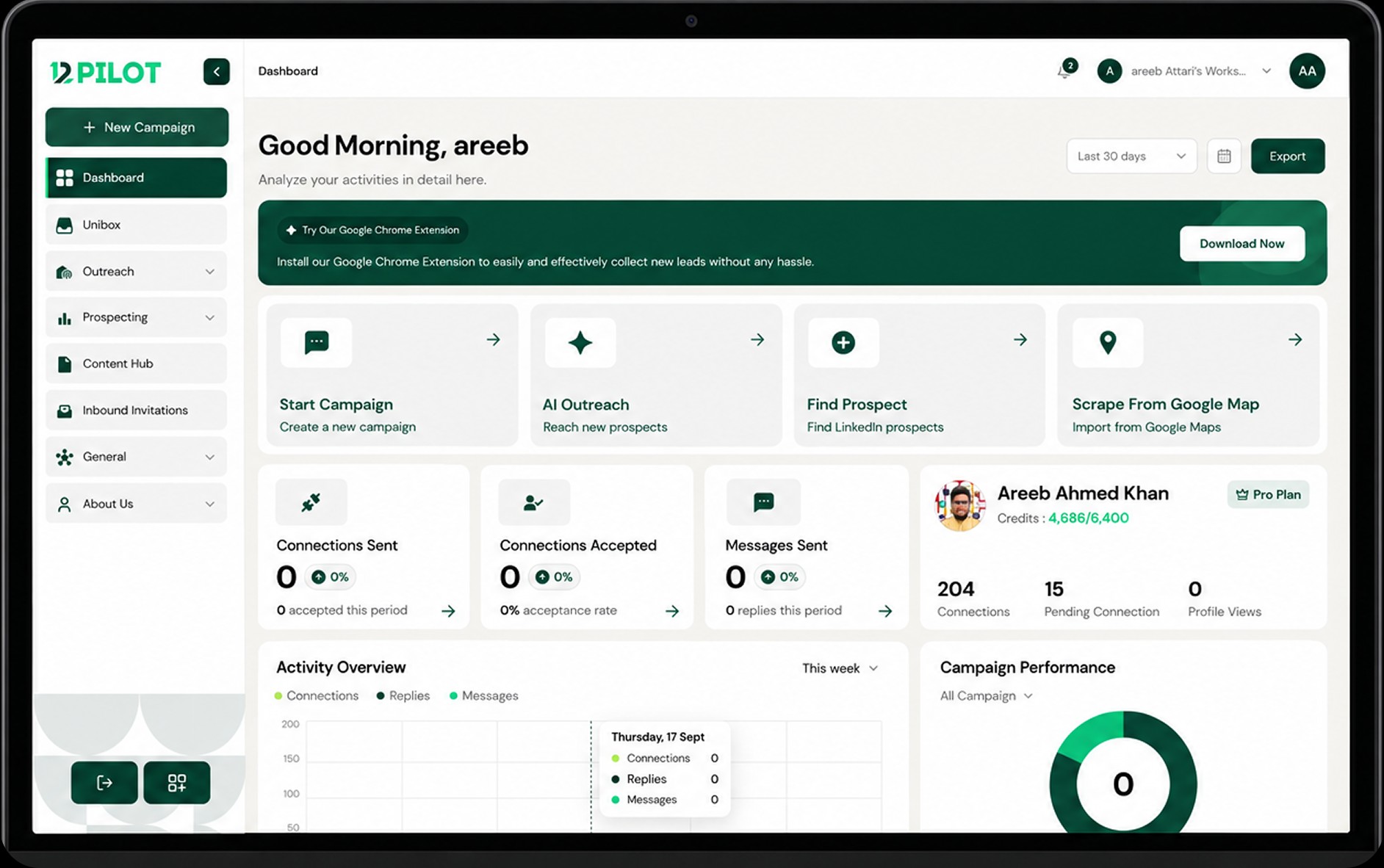
12Pilot is a LinkedIn outreach workspace. In the first half hour you should finish signup, pick a workspace, and know the three screens you will use every day.
What to do first
- Sign up and verify your email.
- Complete onboarding (name, workspace, timezone).
- Open Dashboard — this is your activity home.
- Connect a LinkedIn account (see the guide Connect your first LinkedIn account).
- Install the Chrome extension if you will extract prospects from LinkedIn search.
Where things live
- Dashboard — sent, accepted, messages, replies.
- Unibox — all LinkedIn conversations across seats.
- LinkedIn Accounts — seats, limits, reconnect.
- Campaigns — sequences you launch and pause.
- Prospecting — extractor, lists, scoring, tasks.
Expected result
You are signed in, you have a workspace, and you can open Dashboard and LinkedIn Accounts without errors.