
← Back to tutorialsGuides  Open 12Pilot
Upgrade your plan and submit payment
Request a higher plan and upload the payment screenshot from Settings.
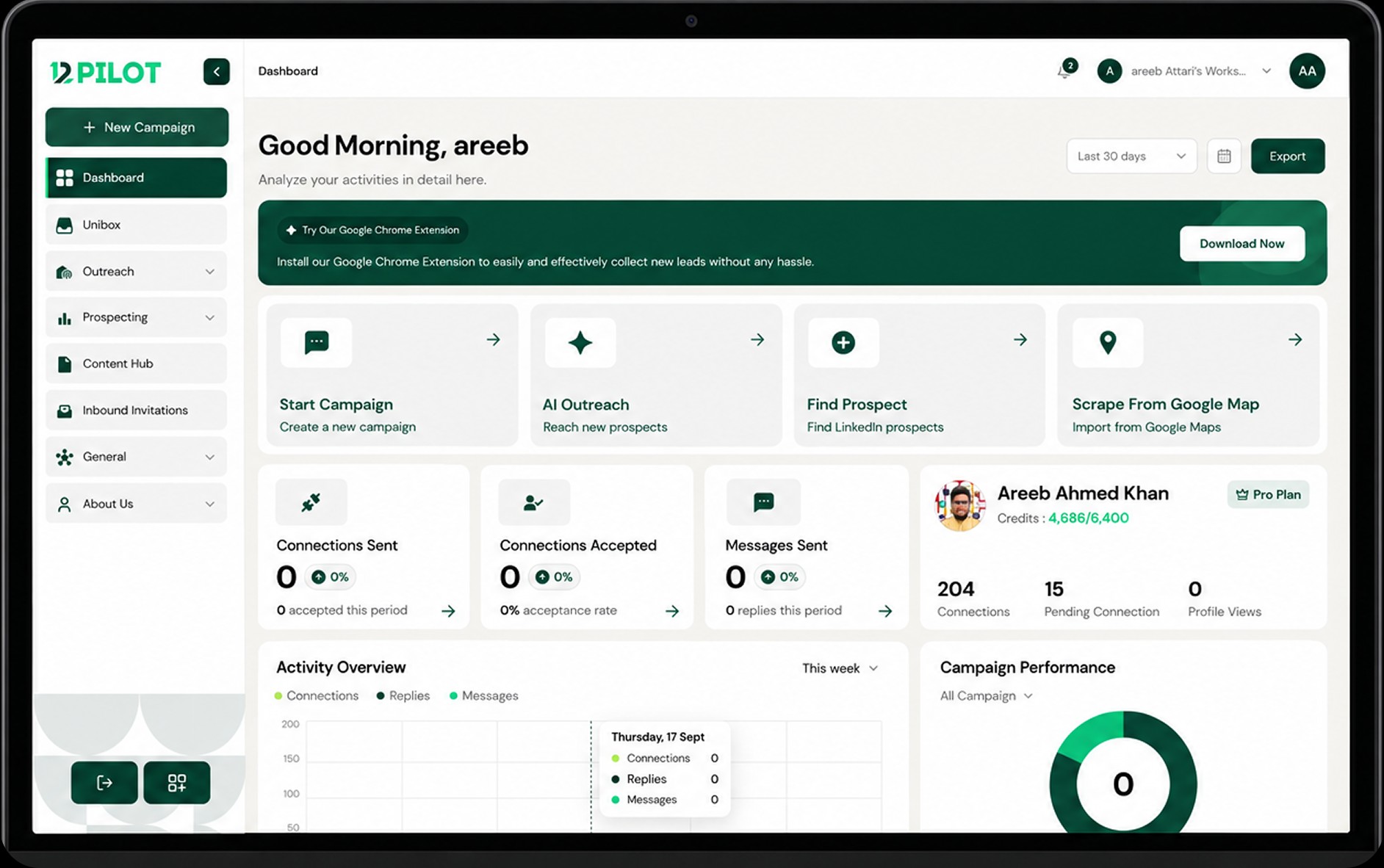
From Settings, open upgrade and choose the plan. Upload a clear payment screenshot when asked.
The 12Pilot team reviews the request. You will see the new limits after approval. Keep the original transfer receipt until the workspace plan updates.