
← Back to tutorialsGuides 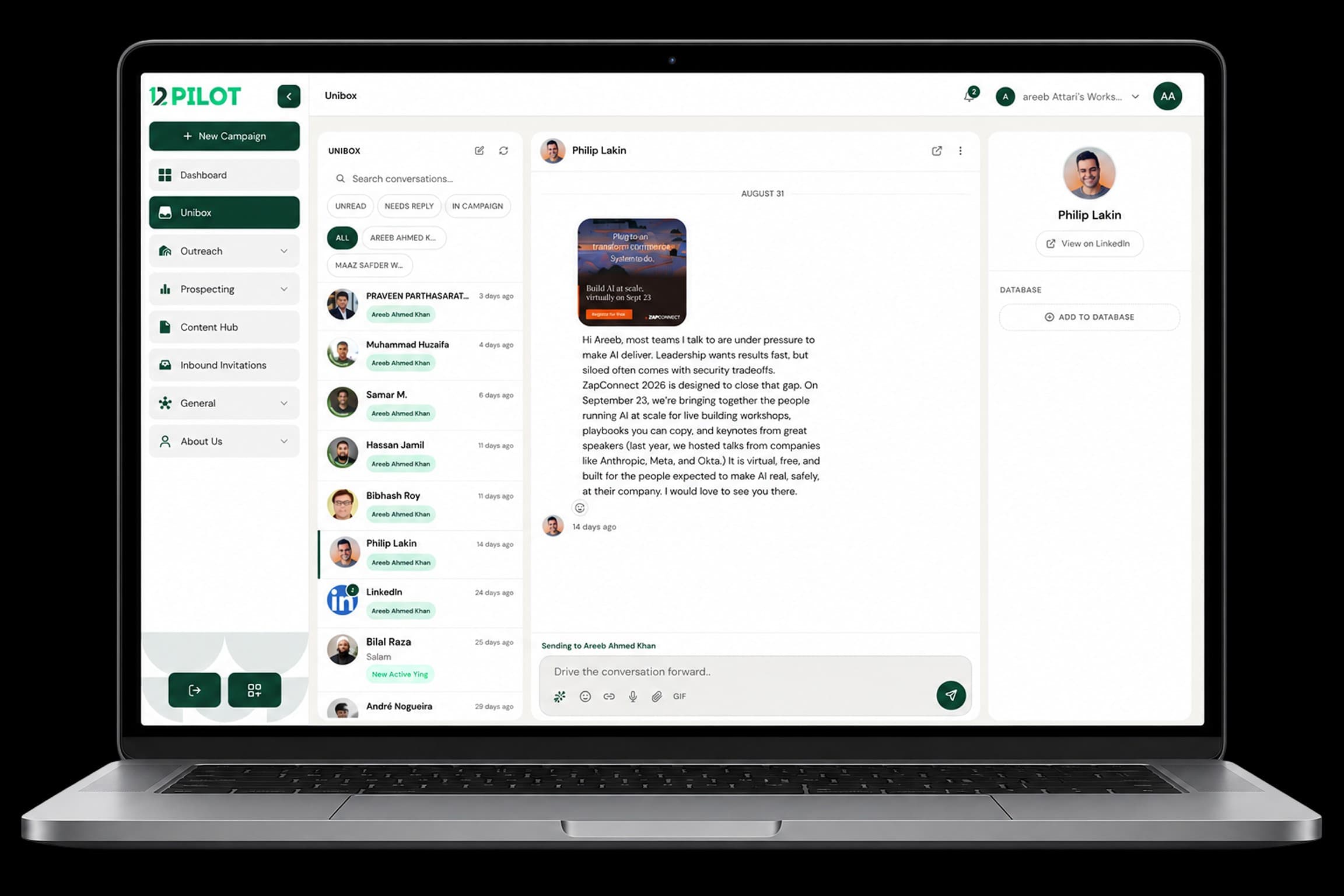 Open 12Pilot
Use Unibox for conversations
Reply to LinkedIn chats across seats in one inbox.
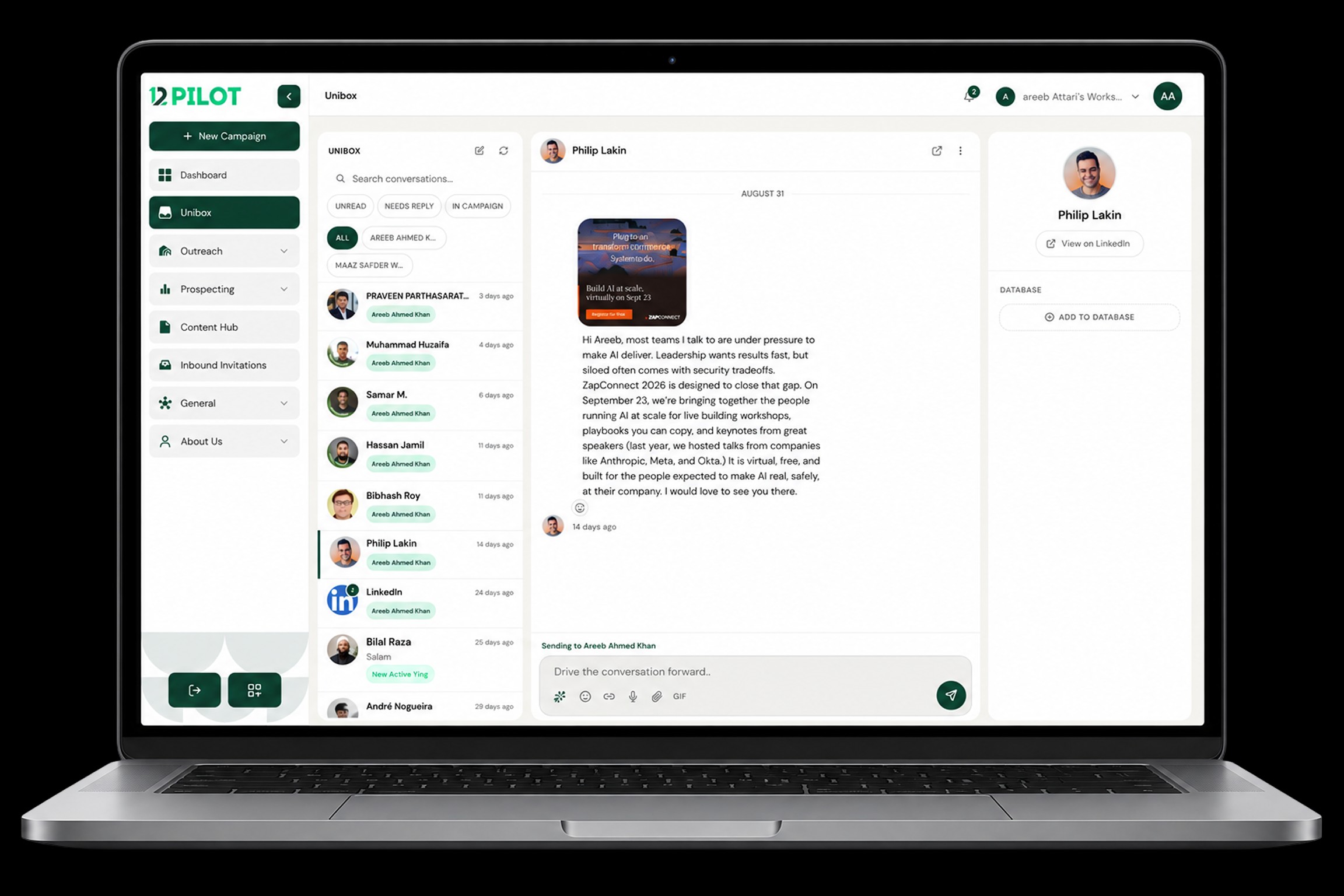
Unibox is Inbox in the sidebar. It lists LinkedIn conversations for connected seats.
Daily use
- Filter by LinkedIn account if you run more than one seat.
- Open a thread — messages load in the middle, profile on the right.
- Send with Enter or the Send button.
- Use AI suggest if you want a draft, then edit before sending.
New seats can take a short time to appear in the filter. Refresh if a just-connected account is missing.