
← Back to tutorialsGuides  Open 12Pilot
Team seats and invites
Invite teammates, assign roles, and stay within plan seat limits.
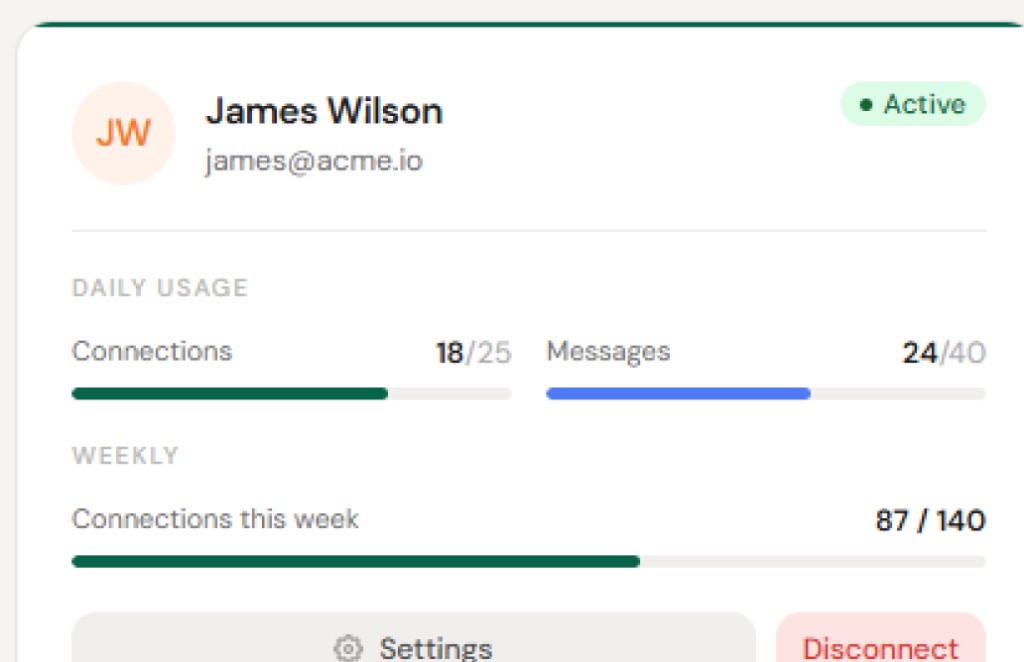
Open Team Seats as an owner or admin.
- Invite by email.
- Choose owner, admin, member, or viewer.
- They accept via the invite link (see Accept a team invitation).
If invite is blocked, you may be at the plan’s seat cap — upgrade or remove unused members.