
← Back to tutorialsGuides  Open 12Pilot
Reconnect a LinkedIn account
Fix expired sessions and get the seat sending again.
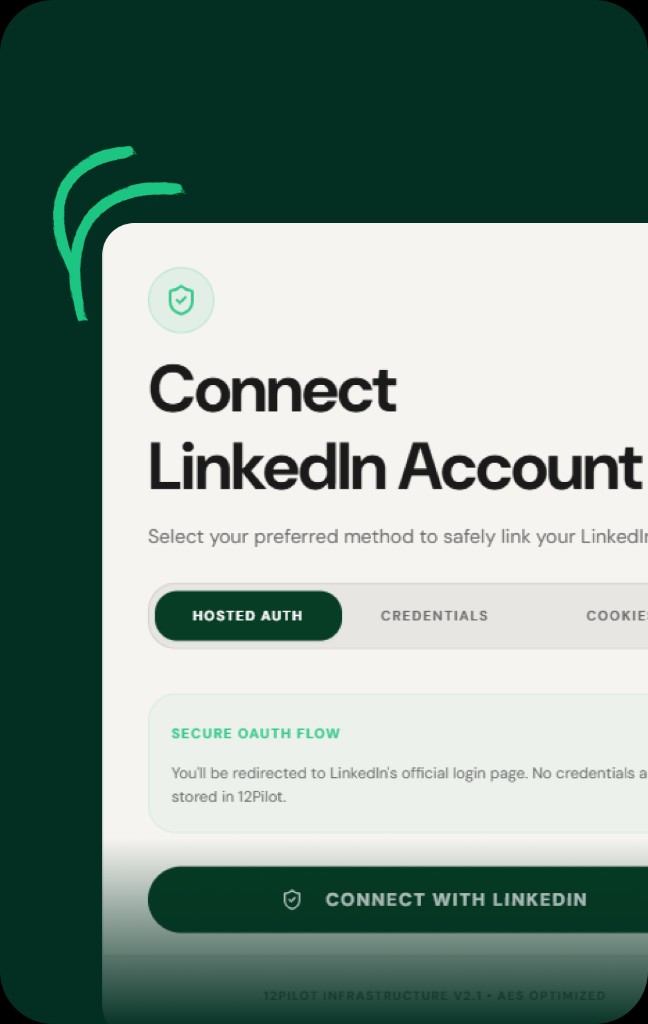
If status shows Reconnect required, Error, or sending stops with session errors:
- Open LinkedIn Accounts → the seat menu → Reconnect.
- Complete LinkedIn login / 2FA.
- Sync Profile.
- Resume paused campaigns.
If reconnect loops, try a different connection method or a fresh browser profile, then contact support with the seat email (never send passwords in chat).