
← Back to tutorialsGuides 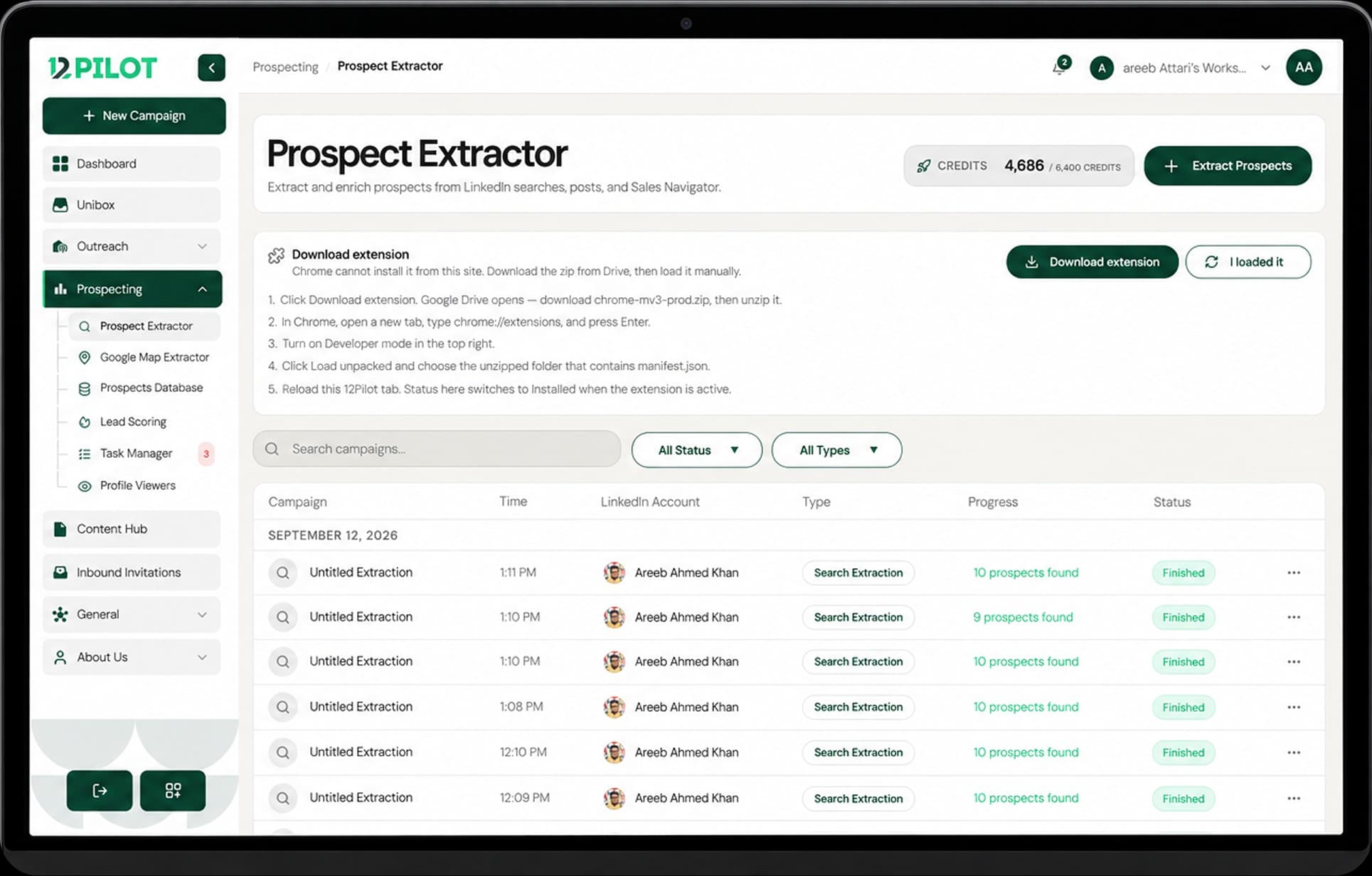 Open 12Pilot
Prospect Extractor — search to list
Run LinkedIn people search, save results to a list, export or add to a campaign.
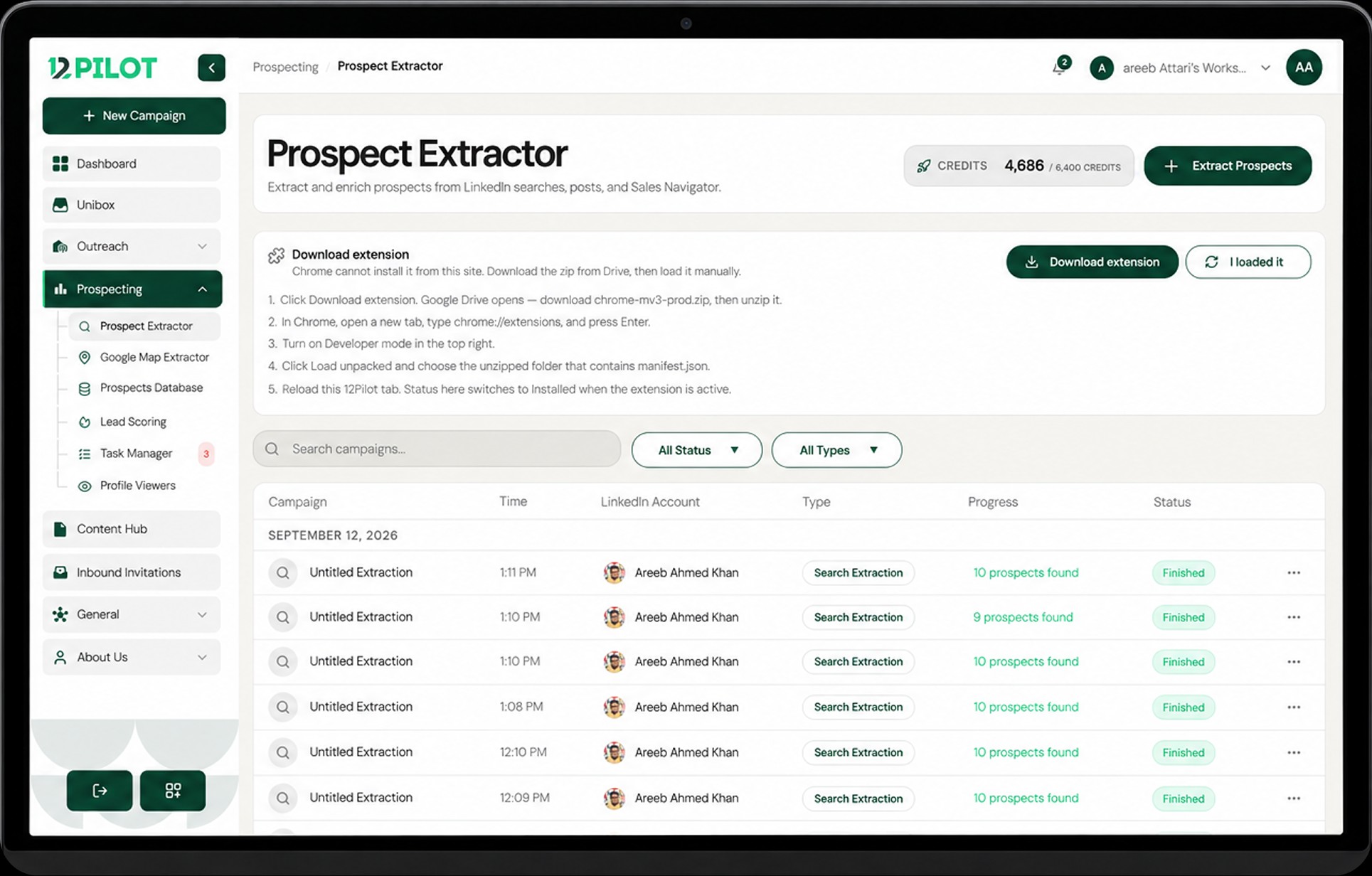
Open Prospect Extractor. You typically need the Chrome extension plus a connected LinkedIn account.
Steps
- Start a search (Classic, or Sales Navigator if your LinkedIn plan allows it).
- Choose People (or the category you need).
- Run search and Load more until you have enough rows.
- Save to a list in Prospects Database.
- Export CSV or Add to campaign.
If Sales Navigator is not available on the LinkedIn account, 12Pilot will tell you. Use Classic search instead.