
← Back to tutorialsGuides 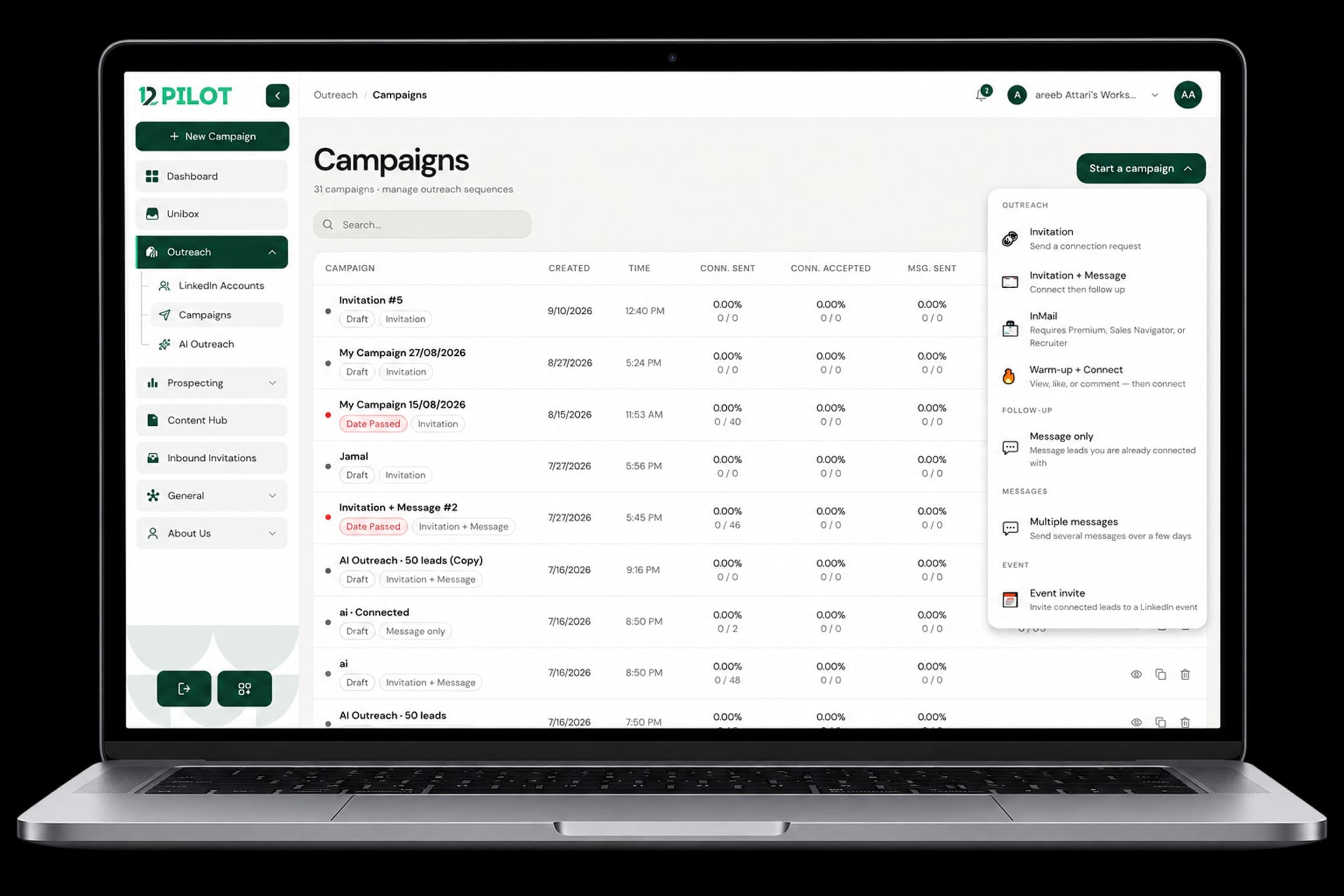 Open 12Pilot
Build your first outreach campaign
Create a campaign, attach a list, set the sequence, then launch.
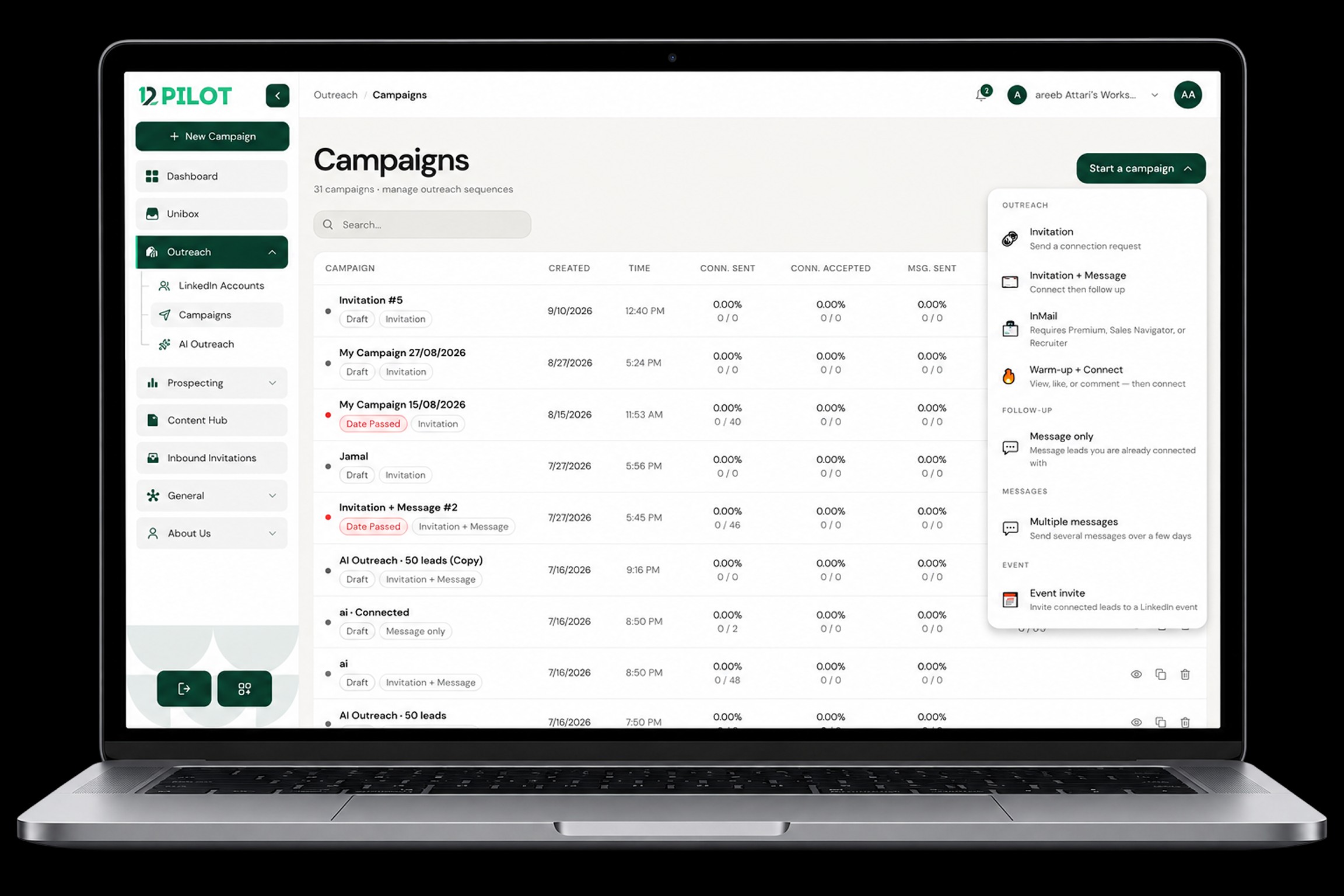
Campaigns send connection requests and follow-up messages from a LinkedIn seat to people on a list.
Steps
- Go to Campaigns and create a new campaign.
- Choose the LinkedIn account that will send.
- Add prospects from a list (or create an empty campaign and add people next).
- Build the sequence: invite, then messages after accept (and delays between steps).
- Review copy for personalization fields before launch.
- Launch. Status should move to Active.
After launch
Use Pause if you need to stop. Duplicate a campaign when you want the same sequence on a new list. Stats (sent, accepted, replies) update as actions complete.