
← Back to tutorialsGuides  Open 12Pilot
Extension not syncing
Fix a Chrome extension that will not talk to 12Pilot or LinkedIn.
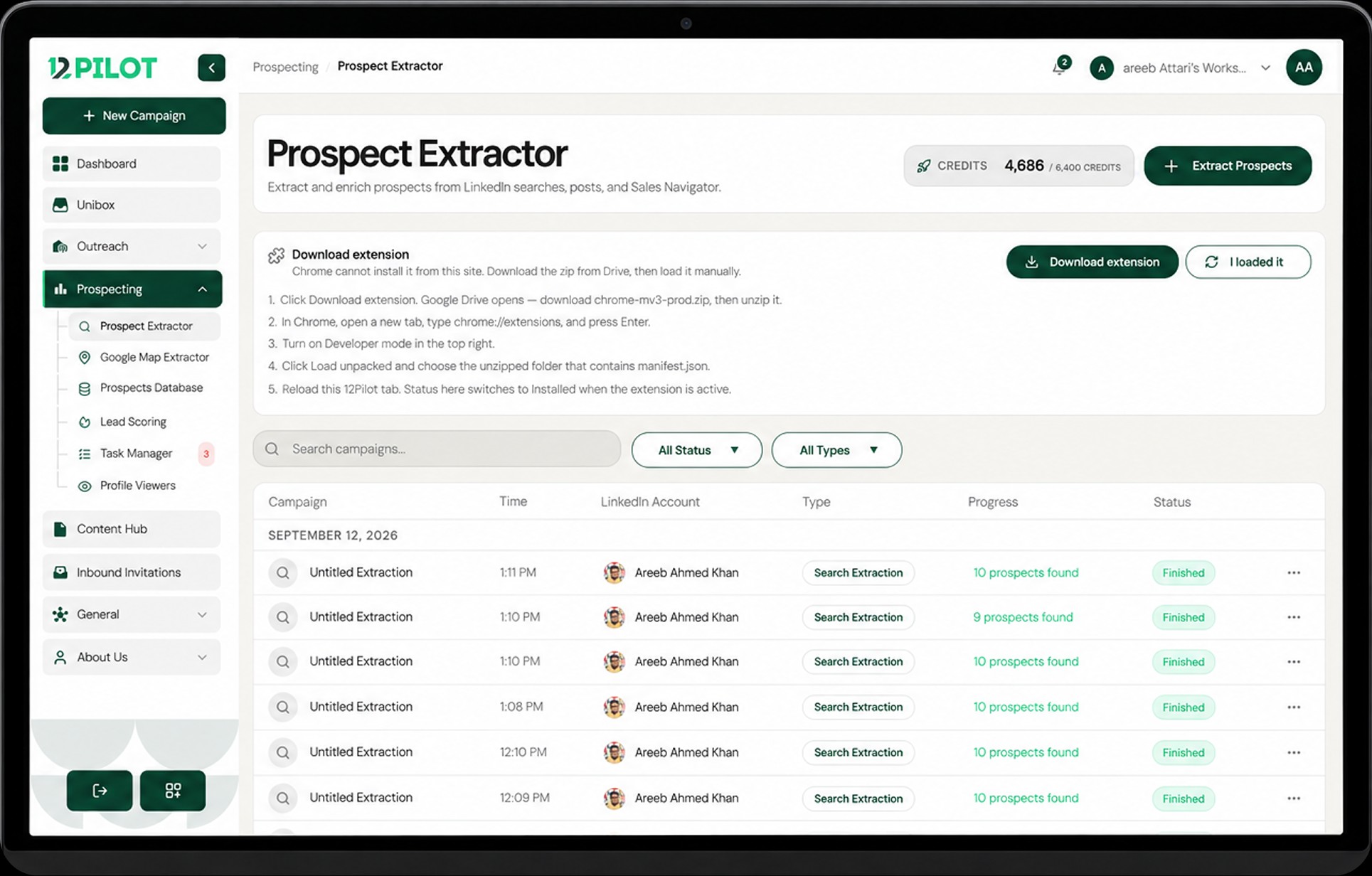
- Confirm you are signed in to 12Pilot in Chrome.
- Open chrome://extensions, find 12Pilot, click Reload.
- On LinkedIn, hard-refresh the tab.
- Click Sync in the extension / dashboard bridge.
- Turn the extension off and on, then retry.
Use the same Chrome profile for 12Pilot and LinkedIn. Incognito without the extension allowed will always fail.