
← Back to tutorialsGuides 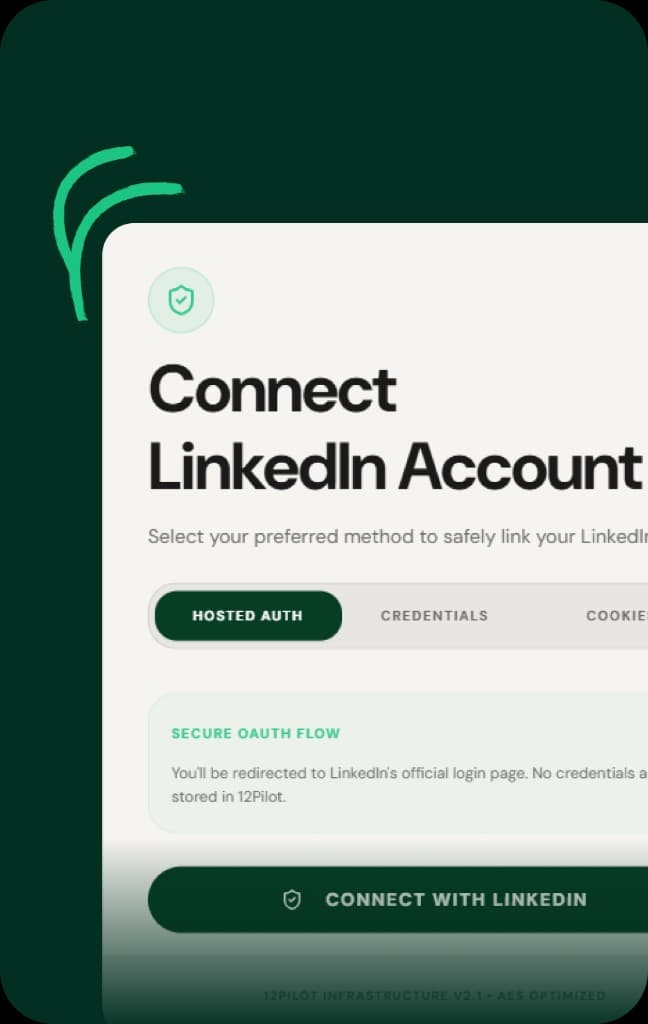 Open 12Pilot
Connect your first LinkedIn account
Add a LinkedIn seat with hosted login, credentials, or cookies, then sync the profile.
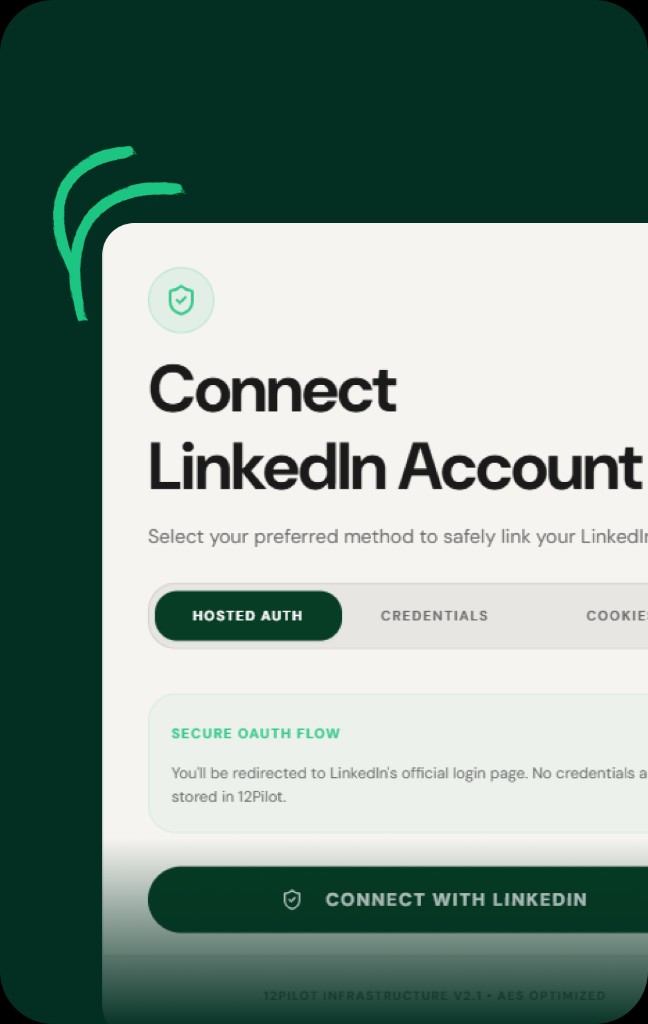
Every campaign and Unibox thread runs on a connected LinkedIn seat. Go to LinkedIn Accounts and add an account.
Connection methods
- Hosted login — sign in through the hosted LinkedIn flow. Use this when you can complete login in the browser.
- Email and password — enter LinkedIn credentials. Complete 2FA/OTP if LinkedIn asks.
- Cookies — paste the session cookie from a logged-in browser when the other methods are not available.
After it connects
- Wait until status is Connected (or Active).
- Use Sync Profile so name, photo, and headline appear on the row.
- Check daily usage bars — they start at 0 until the seat sends actions.
Pause, reconnect, remove
Pause stops sending without deleting the seat. Reconnect if LinkedIn asks you to log in again. Remove only when you no longer want that seat in the workspace.
Expected result
The account row shows a real name and photo, Connected status, and you can use it in a campaign.