
← Back to tutorialsGuides 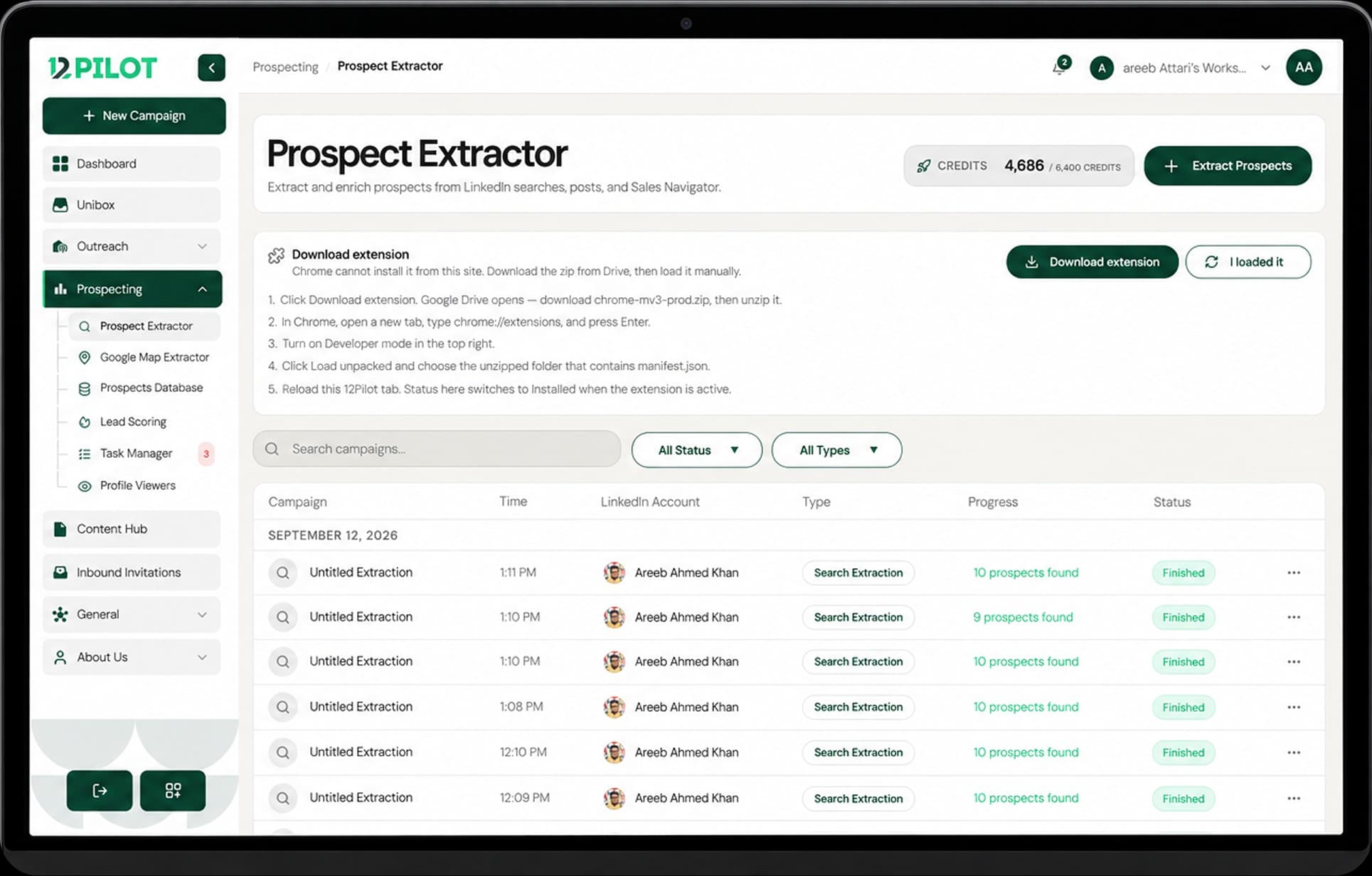 Open 12Pilot
Install and sync the Chrome extension
Install the 12Pilot Chrome extension, sign in from the dashboard, and reload after updates.
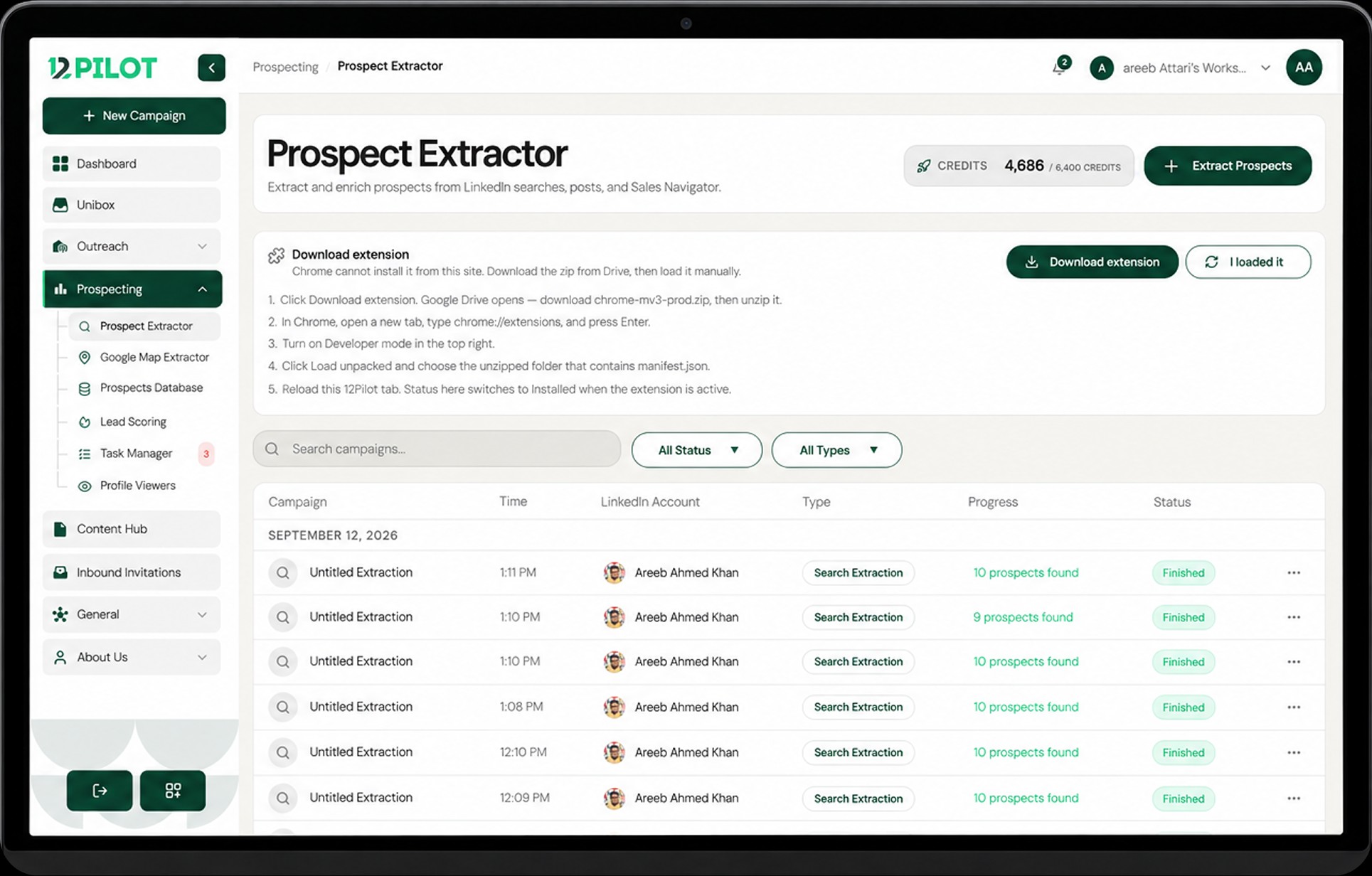
The Chrome extension talks to LinkedIn in your browser (for example prospect extraction). Cloud outreach still runs from your connected seats — do not mix the two up.
Install
- Open Settings and use the extension install card, or install from the Chrome Web Store if your team provided that link.
- Pin the extension so you can see when it is active.
- Open 12Pilot in the same Chrome profile you use for LinkedIn.
Sync
- Stay signed in to 12Pilot in the dashboard tab.
- If the extension asks to Sync, confirm so it receives your session.
- Reload the extension on
chrome://extensionsafter your team ships an update.
If sync fails
Sign out and in on 12Pilot, reload the LinkedIn tab, then Sync again. See Extension not syncing for a full checklist.