
← Back to tutorialsGuides  Open 12Pilot
Launch, pause, and read campaign stats
Control campaign status and read sent, accepted, and reply metrics.
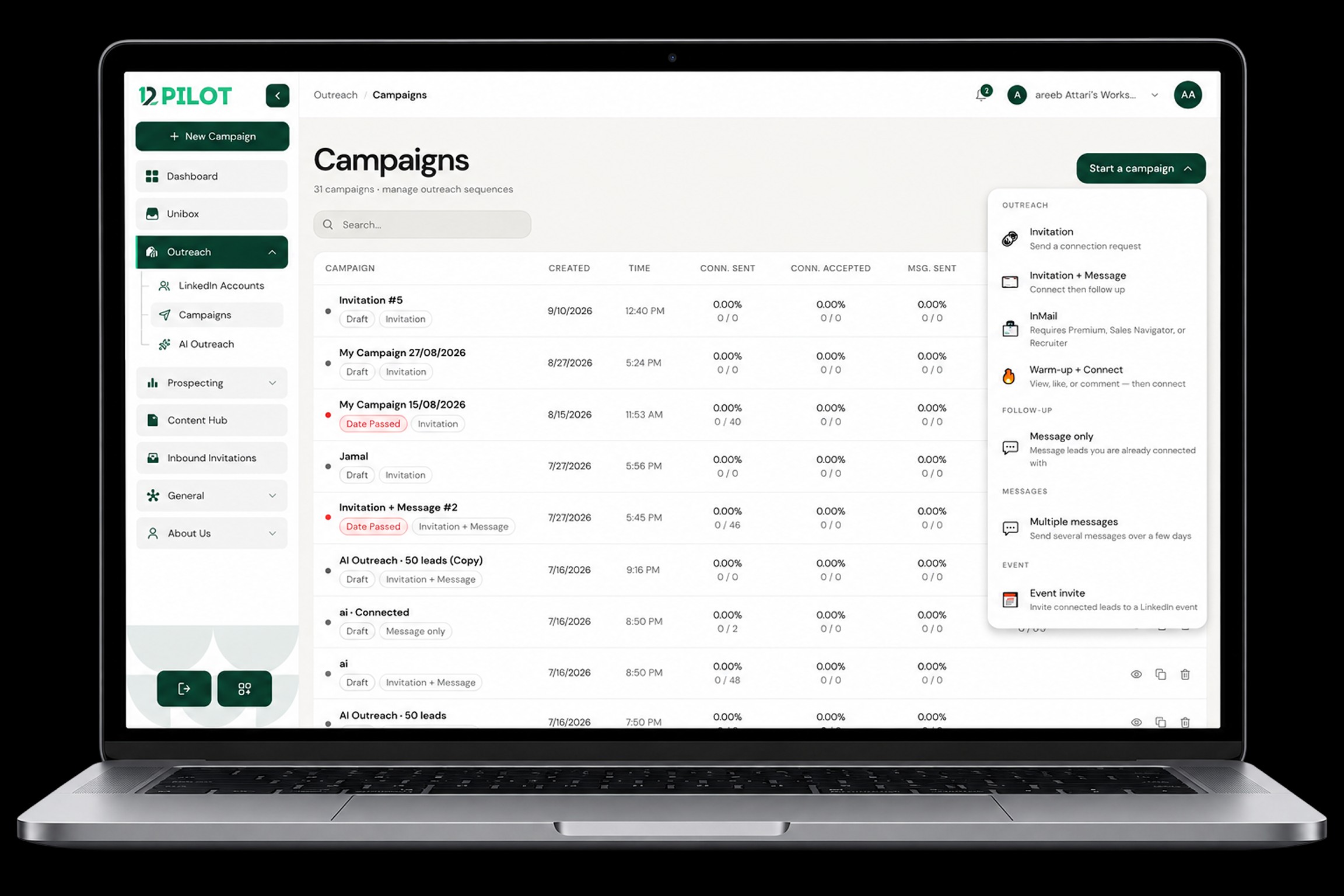
Open a campaign to see pipeline and totals.
- Launch starts the sequence for enrolled prospects.
- Pause stops new actions; people already in flight wait.
- Stats — invitations sent, accepted, messages, reply rate.
Low numbers in the first hours are normal. If the queue stays at zero all day, open Campaign not sending.